You are here: PS Series Group Administration > Member Management > Displaying Member Connections
To display information about the connections to a member, click:
Members > member_name > Connections tab
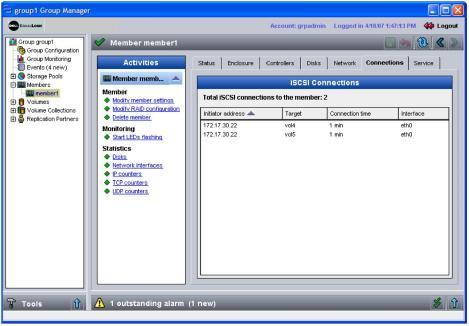
The Member Connections window appears (Figure 19: Member Connections ).
The iSCSI Connections panel displays information about the initiator address, which volume it is connected to (Target column), how long the connection has been active, and which Ethernet port the initiator is using.