You are here: PS Series Group Administration > Storage Pool Management > Modifying a Storage Pool Name or Description
You can change the name or description of a storage pool. If you change the name of the default pool, the renamed pool will still behave as the default pool (that is, members and volumes will be assigned to this pool by default).
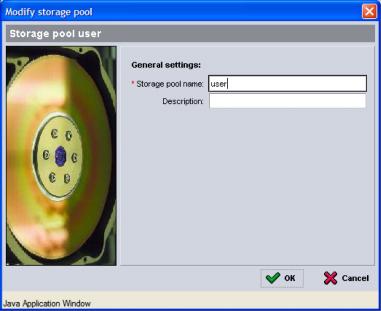
To change the name or description of a storage pool, in the far left panel, expand Storage pools and select the pool. In the Activities panel, click Modify pool settings. The Modify Pool Settings dialog box appears (Figure 8: Modify Pool Settings ).
Figure 8: Modify Pool Settings
Modify the pool name and description, as needed, and click OK.