You are here: PS Series Group Administration > Volume Management > Managing Volume Collections > Creating a Volume Collection
To create a volume collection, click:
Volume Collections > Create volume collection
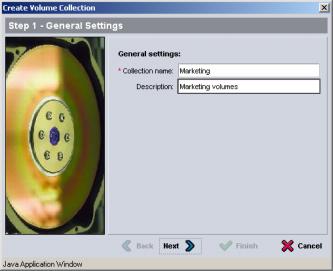
The Create Volume Collection - General window appears (Figure 8: Create Volume Collection - General ).
Figure 8: Create Volume Collection - General
Specify a name for the collection and an optional description. Then, click Next.
The Create Volume Collection - Components window appears (Figure 9: Create Volume Collection - Components ).
Figure 9: Create Volume Collection - Components
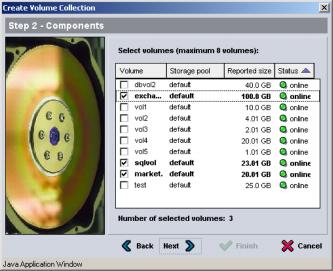
Select up to eight volumes for a collection. A volume collection can contain volumes from different pools. Click Next.
The Create Volume Collection - Summary window appears (Figure 10: Create Volume Collection - Summary ).
Figure 10: Create Volume Collection - Summary
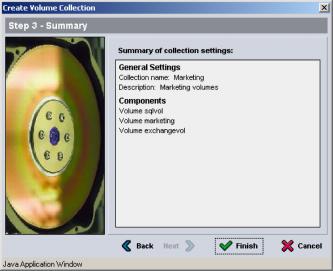
If the configuration is correct, click Finish to create the volume collection. To make changes, click Back.
Once you create a volume collection, you can create snapshots or replicas: