You are here: PS Series Group Administration > Storage Pool Management > Creating a Storage Pool
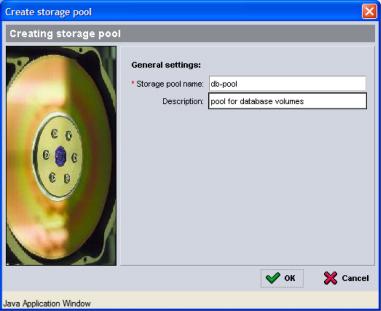
To create a storage pool, in the Activities panel of the Group Summary window (Figure 1: Group Summary ), click Create storage pool. The Create Storage Pool dialog box (Figure 4: Create Storage Pool ) appears.
Specify a pool name and optional description and click OK.
To assign a member to a storage pool, see Moving a Member Across Pools. To assign a volume to a storage pool, see Moving a Volume Across Pools.